 TV Remote
Everything your remote does
Volume, channels, play and pause are all there, and easy to reach.
All TV Remotes: Universal controls your smart TV over your home Wi-Fi. Nothing to plug in, no account, no ads.

Living room TV8:30 PM

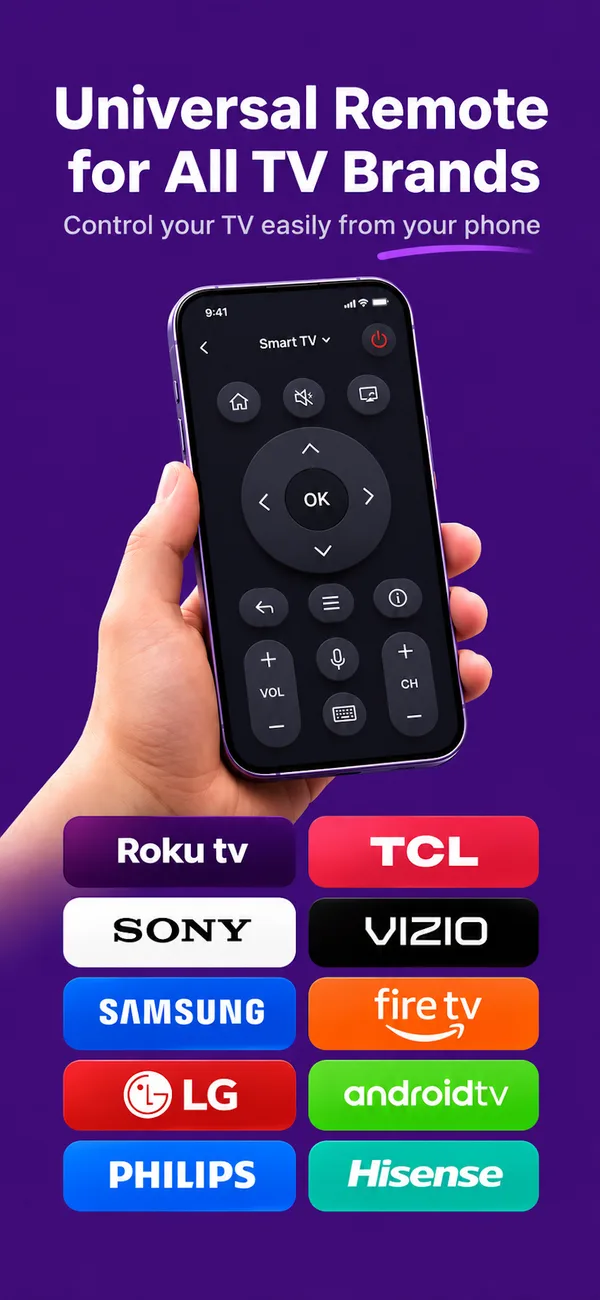
LG, Samsung, Sony, Roku, Fire TV, Android TV and more. One app controls them all.
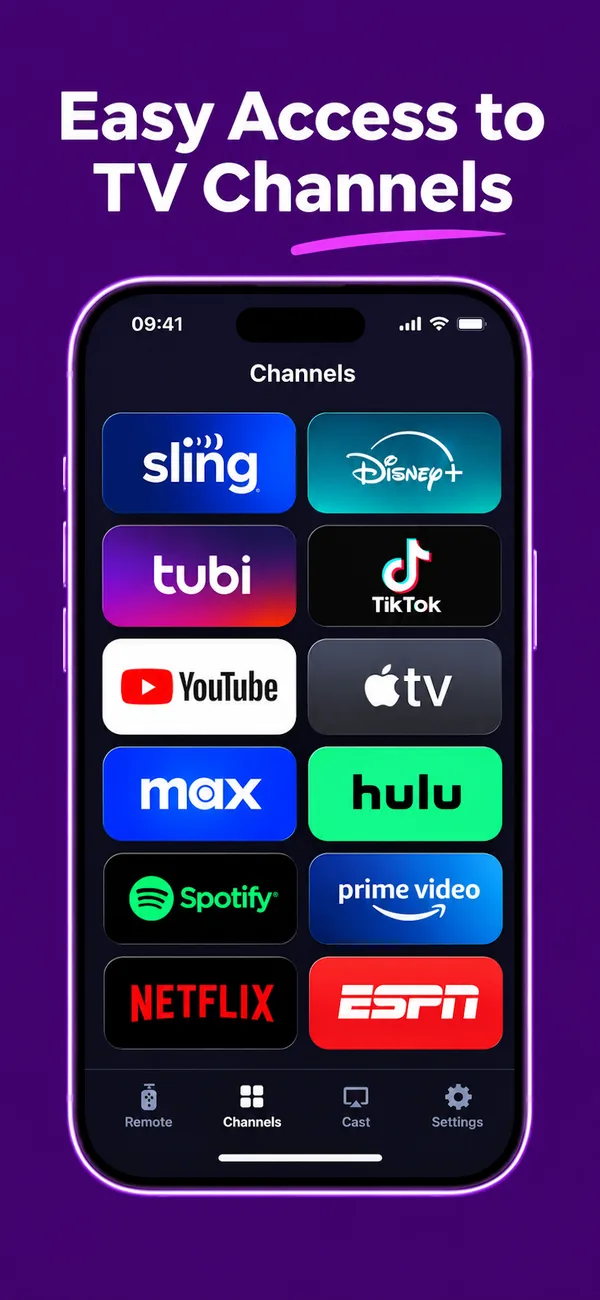
Your TV apps show up on your phone. Tap one and it opens on the TV.
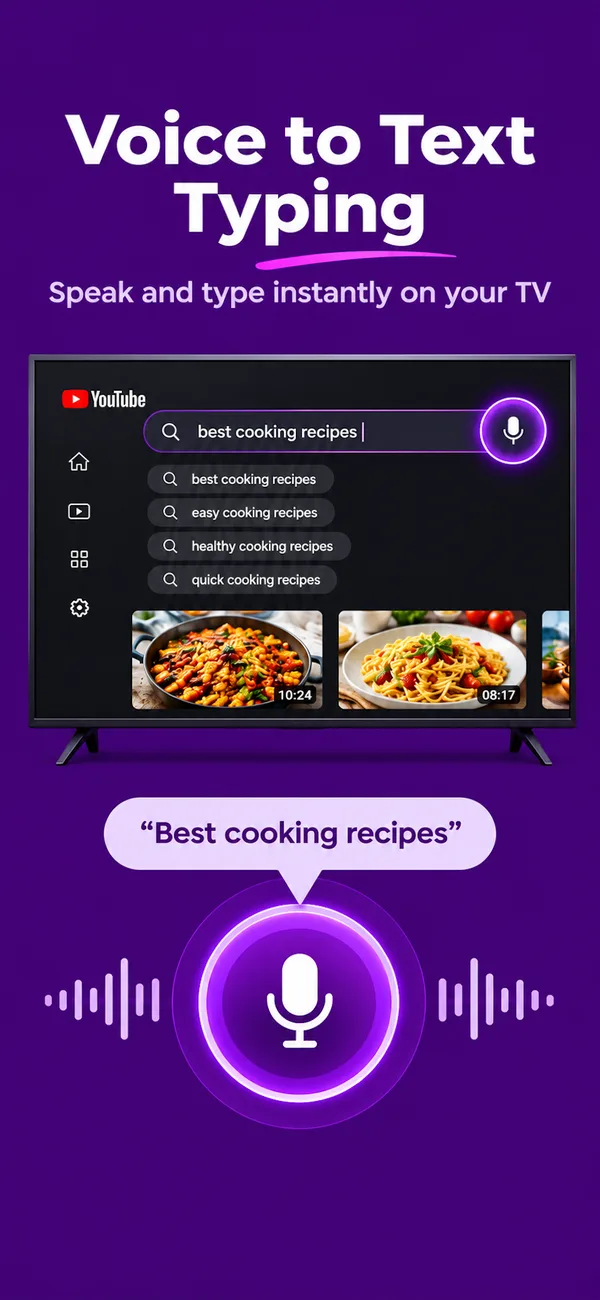
Tap the mic and say what you want to watch.
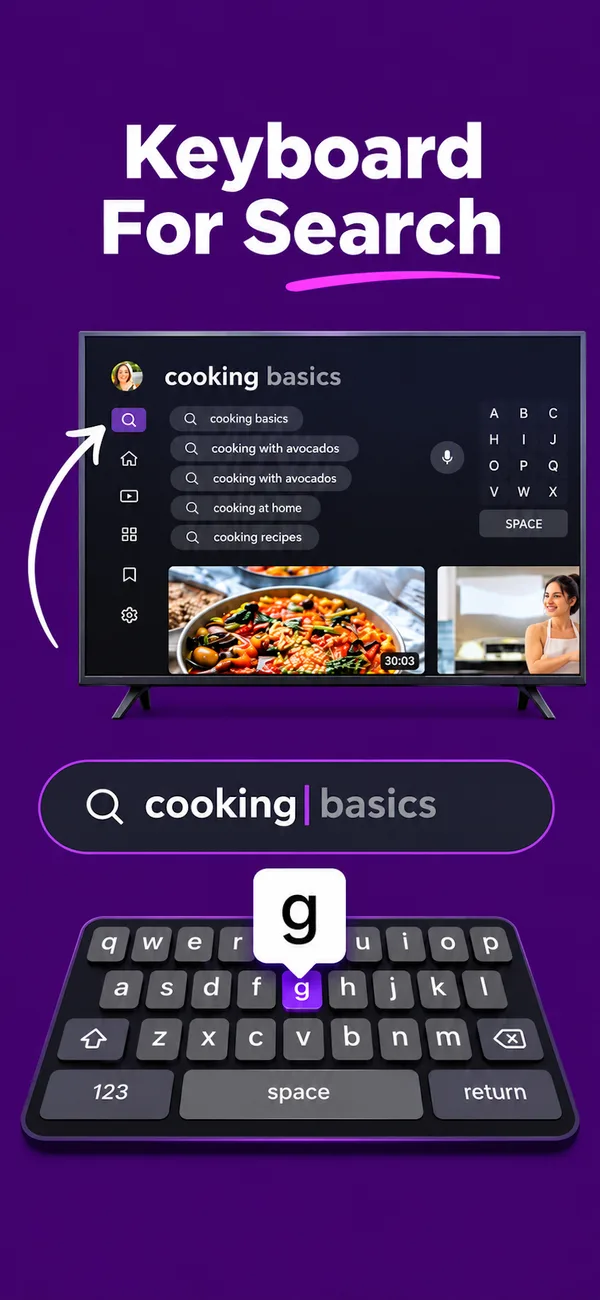
Type on your phone, the way you always do.
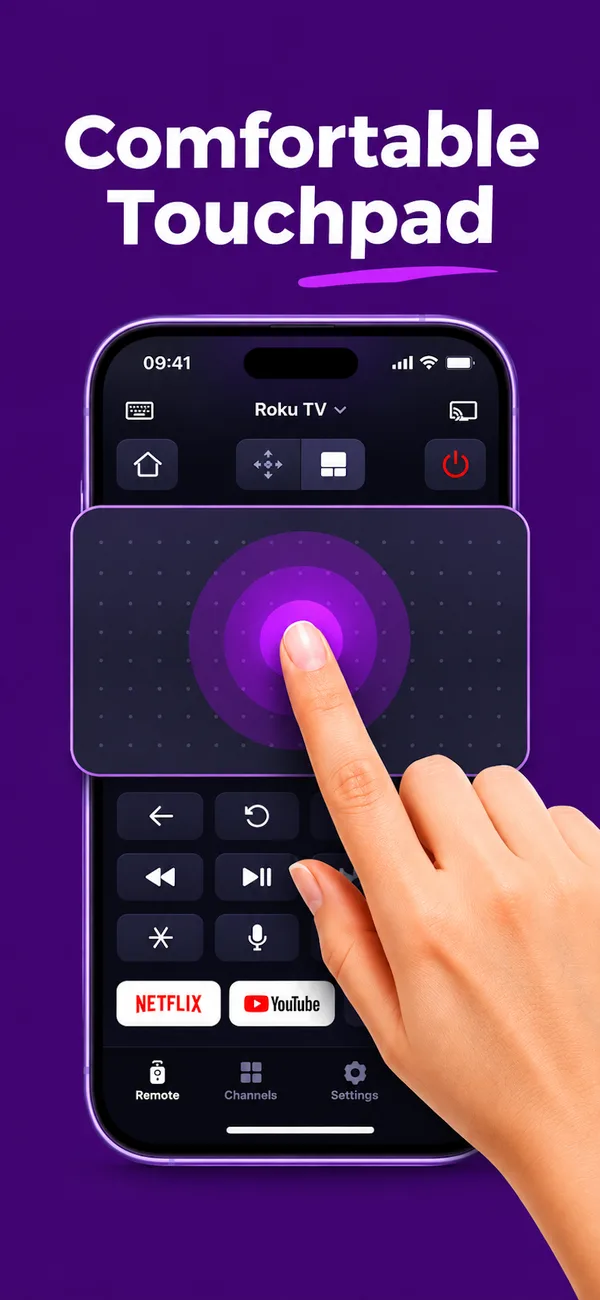
Slide your finger to move. Tap to select.
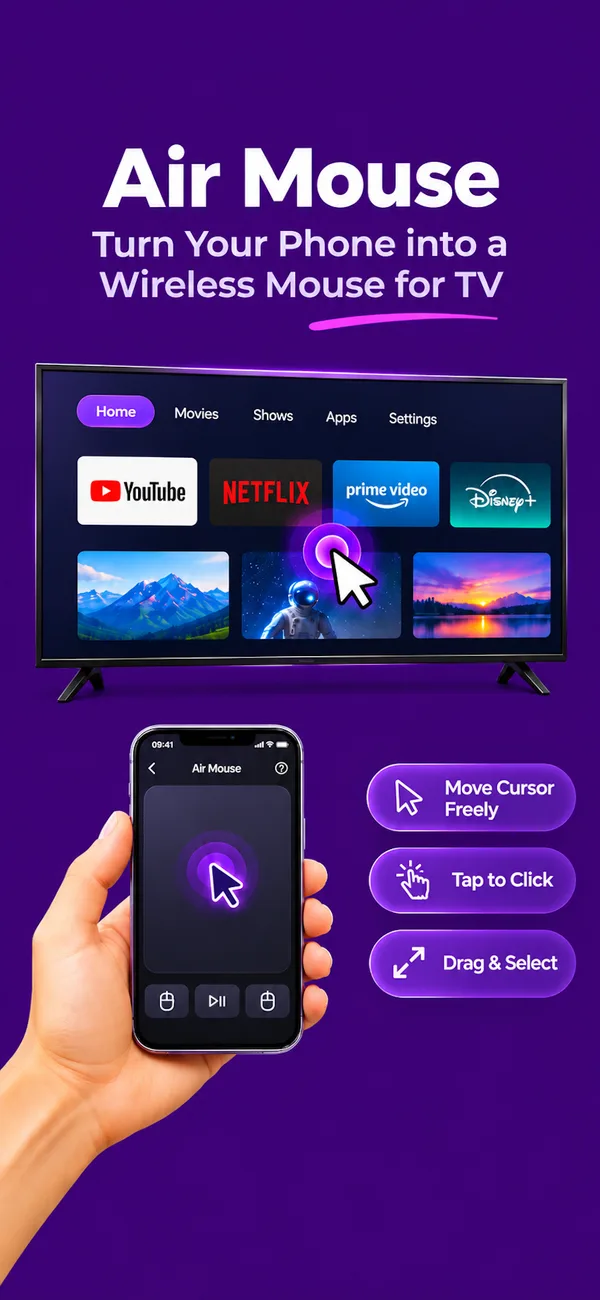
Point your phone at the TV and the cursor follows.
Volume, channels, play and pause are all there, and easy to reach.
Save your TVs, give each a name, and switch between them. The app reconnects to the last one when you open it.
Use the app in 70 languages, pick from 12 colour themes, and try the demo TV before you connect.
Turn on your TV and make sure it is on the same Wi-Fi network as your phone.
Open the app. It finds the TVs on your network. You can also add one by its IP address.
If your TV asks, accept the connection or enter the code it shows. You only do this once.
No batteries to replace and nothing to lose between the cushions. Open the app and it reconnects to your TV on its own, so the remote is ready before you sit down.
LG webOS, Samsung, Android TV and Google TV, Roku, Fire TV, Sony Bravia, Philips, Panasonic, Vizio, Mi TV and Sky Q. TCL and Hisense TVs work when they run Google TV, Roku or Fire TV. Your TV needs to be on Wi-Fi: older TVs with an infrared-only remote are not supported.
Usually not. Your TV has to be switched on and already connected to Wi-Fi. Some TVs show a prompt or a code the first time, which you can accept with the buttons on the TV itself.
Check that the phone and TV are on the same Wi-Fi network and that the TV is on. Guest networks often block devices from seeing each other. You can also add the TV by its IP address, which you will find in the TV's network settings.
It can turn most TVs off. Turning one on depends on the TV: many switch off their Wi-Fi in standby, so they cannot hear the app until they are on.
Your words are sent to the text field that is selected on the TV. Some TV apps only accept typing from their own remote. On LG TVs, searching YouTube by voice and keyboard is supported.
Yes. The remote grows to fill an iPad or Android tablet.
The app is free to download and has no ads.
Get the remote that is always in your pocket.